MyFitnessPal Alternatives in 2026: 7 Honest Options for People Who Want to Switch
An honest comparison of 7 MyFitnessPal alternatives for people who want faster logging, cleaner macro tracking, better data, AI food logging, or more flexible meal correction.
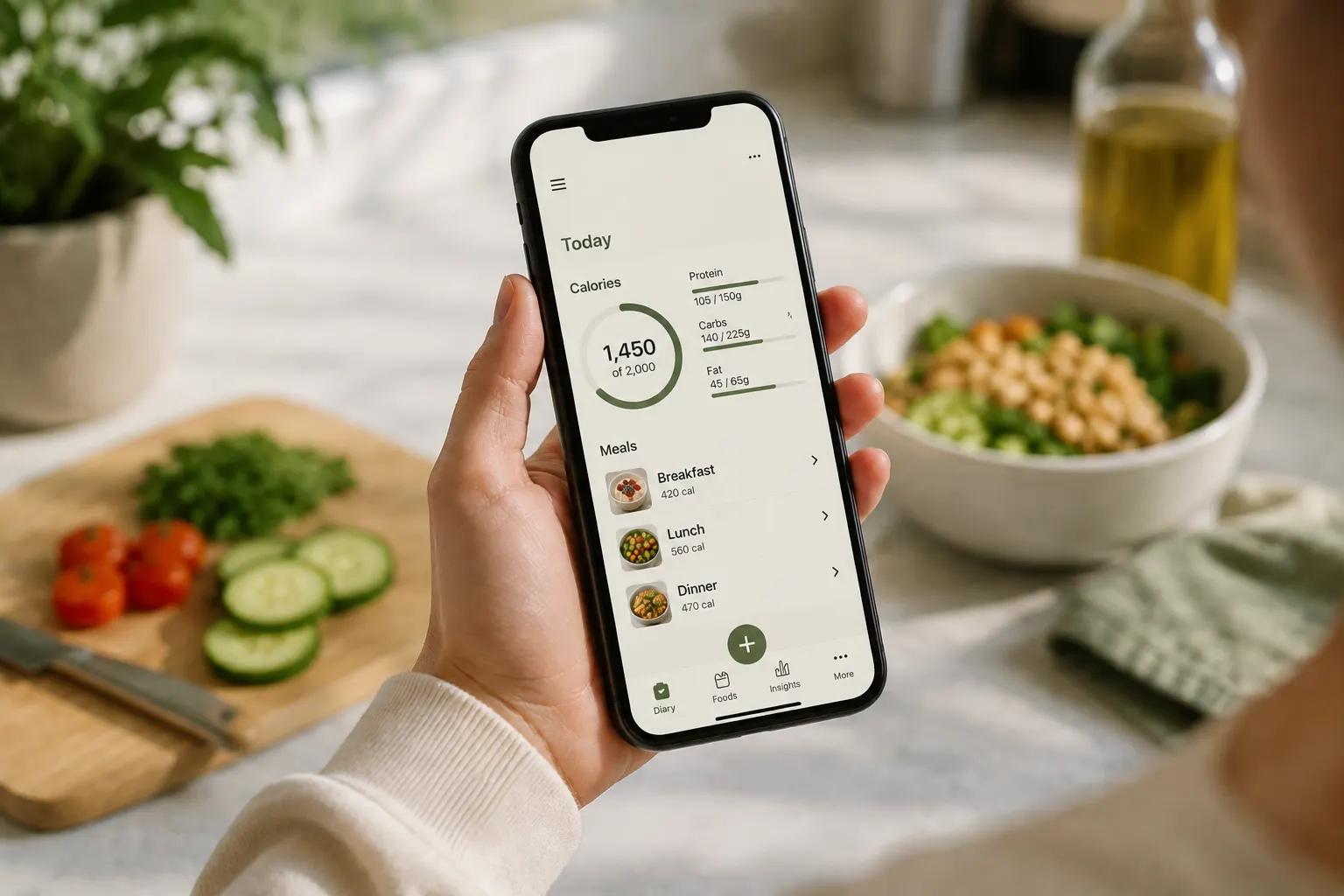
TL;DR. MyFitnessPal is still the largest calorie tracker most people know, with more than 200 million registered users1 and a food database that MyFitnessPal now describes as 20 million-plus foods2. It is also the app people most often name when they start looking for somewhere to switch. But for many users, the app feels slower than newer trackers, the food database is inconsistent, and the macro workflow can feel rigid. The seven alternatives below each solve a different MyFitnessPal frustration: Cronometer for verified data and deep nutrients, MacroFactor for adaptive coaching, Mindful for transparent AI logging, Cal AI for photo-first speed, Lose It! for a familiar interface, FatSecret for a traditional tracker with broad built-in features, and MyNetDiary for users with more clinical tracking needs. The right one depends on what about MyFitnessPal frustrated you in the first place.
If you have spent any time in calorie tracking, you have probably used MyFitnessPal. The app has been the default in this category since the early 2010s, and many people still using it are using it out of habit and inertia rather than affection. The acquisition history, the dated logging patterns, and the persistent database accuracy problems have left a lot of users actively looking for somewhere else to go.
This article walks through seven honest alternatives, what each one does better than MyFitnessPal, where MyFitnessPal is still better, and how to actually switch without losing your mind over old recipes and saved meals.
A note before comparing. Food tracking can be useful, but it is not the right tool for everyone. If you have a current or past eating disorder, or calorie targets tend to make you more rigid and anxious around food, work with a registered dietitian or therapist rather than trying to solve that with a different app.
Why people are leaving MyFitnessPal
Before the alternatives, it helps to name the specific frustrations that drive most searches for "MyFitnessPal alternatives." Most people leaving MyFitnessPal are leaving for one of these reasons.
Fast logging feels harder than it should. Barcode scanning, database search, saved meals, and recipes all work, but the app still leans heavily on older manual logging patterns. If you are logging several times a day, extra taps, duplicate food entries, and repeated database cleanup can make tracking feel like admin work instead of a quick check-in.
Macro control can feel too rigid. People tracking protein, carbs, and fat usually want clear gram targets, fast edits, and meal-level feedback. MyFitnessPal can handle macros, but many users find the workflow less direct than newer apps built around flexible targets, AI-assisted logging, and quicker meal corrections.
The workflow has a lot of legacy weight. MyFitnessPal has accumulated years of features, saved-food patterns, diary conventions, integrations, and database paths. That depth can be useful, but it can also make the app feel slower than newer tools built around photo logging, natural-language edits, and faster corrections.
The food database is huge but inconsistent. MyFitnessPal's strength is breadth. Its weakness is that many entries are user-submitted, duplicated, outdated, or missing details. That does not make the app unusable, but it does mean you have to choose entries carefully, especially for packaged foods and restaurant meals.
It can be hard to verify why a number is right. When a food entry looks off, the burden is usually on you to compare database entries, check the nutrition label, or create a custom food. Newer AI-assisted trackers are starting to show sources, confidence, and reasoning directly in the logging flow, which makes the estimate easier to trust or correct.
If you are nodding at three or more of these, the rest of this comparison is for you.
What MyFitnessPal still does well
A fair comparison should say this clearly: MyFitnessPal still has real advantages.
- The biggest food database most users will encounter. MyFitnessPal now markets its database as 20 million-plus foods2. For obscure brands, regional restaurants, and packaged foods, it often has an entry when another app does not.
- Broad platform support. iPhone, Android, and web access all exist, with mature syncing across devices.
- A mature recipe and meal workflow. The recipe importer, saved meals, and repeat-food tools have had years to handle normal edge cases.
- A wide integration ecosystem. Apple Health, Google Fit, Fitbit, Garmin, and other fitness connections are part of why many people stay.
If those matter more to you than logging speed, interface simplicity, or database quality concerns, MyFitnessPal may still be the right answer. The rest of this article assumes they do not.
The 7 alternatives, ranked by who each one is for
These are ordered by use case, not universal preference. Pick the one that matches your reason for leaving.
1. Cronometer
Best for: people who care about verified data and micronutrients.
Cronometer is the strongest "I want accurate nutrition data" alternative. Its database is more verified and structured than MyFitnessPal's, and the app tracks far more nutrients than most general calorie trackers. Cronometer says its account includes food logging, barcode scanning, nutrition reports, biometrics, recipes, timestamps, and more, which is why it works well for users who want nutrition detail beyond calories and macros3.
The trade-off is that Cronometer feels more data-dense. It is excellent if you care about vitamins, minerals, amino acids, cholesterol, fatty acids, and detailed nutrient reporting. It is less ideal if what you want is the fastest possible "I ate a burrito bowl" logging experience.
Where it falls short of MyFitnessPal: smaller database, less forgiving for restaurant and regional foods, more manual-feeling workflow, less social polish.
2. MacroFactor
Best for: serious trackers who want adaptive coaching instead of a static calorie target.
MacroFactor is built around an algorithm rather than a giant social database, and that is the meaningful difference. Its core feature is an adaptive expenditure model that estimates your real energy expenditure from your logged intake and weight trend, then updates your calorie and macro targets over time. For people who plateau on MyFitnessPal because their target never meaningfully adapts, this is the killer feature.
MacroFactor was developed by the Stronger By Science team, and the app is unusually transparent about its nutrition logic. It also has a verified food database, barcode scanning, fast logging, a food timeline, and newer AI-assisted logging features. The main downside is that MacroFactor assumes you are willing to track consistently.
Where it falls short of MyFitnessPal: no desktop web app for everyday logging, smaller community, less built around recipe sharing.
3. Mindful
Best for: people who want transparent AI logging with multiple ways to capture and correct meals.
Mindful is built around the idea that the biggest problem with calorie tracking is not the math. It is the friction of logging in real life. The app supports photo logging, typed meal descriptions that calculate nutrition data, barcode scanning, nutrition label scanning, and manual entry, so you can choose the fastest path for the meal in front of you rather than forcing everything through database search.
Mindful's AI grounds every estimate by searching across nutrition databases and online sources in real time to get the most up-to-date data, then shows you exactly which ones it used. Every estimate comes with a confidence score, a full reasoning breakdown, and linked sources so you can verify for yourself. If something does not look right, you can edit manually or tap "Edit with AI" to correct it with natural language like "the portion was bigger" or "remove the dressing."
The practical advantage is flexibility. You are not locked into one logging method, and you are not stuck rebuilding an entry from scratch when the first estimate is close but imperfect. Mindful is strongest when you want fast capture, visible sources, and quick correction in the same workflow.
Where it falls short of MyFitnessPal: less platform coverage than MyFitnessPal and no full desktop web workflow.
4. Cal AI
Best for: people whose main MyFitnessPal frustration was logging speed, not data depth.
Cal AI is one of the most visible AI photo trackers in the category. The premise is simple: take a photo, get a calorie and macro estimate, then log it. For meals where this works well, it is dramatically faster than searching MyFitnessPal's database, choosing the closest match, and adjusting the portion.
There are two honest caveats. First, Cal AI is no longer a fully independent MyFitnessPal alternative. MyFitnessPal acquired Cal AI on March 2, 2026, while keeping it as a standalone app4. Second, AI photo accuracy varies. A 2024 study in Nutrients found that AI-enabled food recognition apps could identify food components reasonably well in some cases, but automatic energy estimates were often inaccurate, especially for mixed and culturally diverse dishes5.
The right way to use Cal AI is as a fast starting estimate, not a final verdict, especially for home-cooked meals, mixed dishes, and restaurant plates where portion size is hard to infer from a photo.
Where it falls short of MyFitnessPal: less reliable for detailed nutrition data, accuracy concerns on mixed meals, smaller non-photo workflow, and it is now owned by MyFitnessPal's parent ecosystem.
5. Lose It!
Best for: people who want something familiar without staying in MyFitnessPal.
Lose It! is probably the closest direct replacement for MyFitnessPal in terms of how it feels. It has a familiar diary structure, barcode scanning, saved meals, recipes, weight tracking, macro goals, integrations, and a large food database. It also has AI-style features such as Snap It for photo logging and Say It for voice logging6.
The catch is that Lose It! is not a radically different philosophy. It is best understood as a friendlier version of the same general app category, not a full escape from traditional diary-based calorie tracking.
Where it falls short of MyFitnessPal: smaller database, fewer community features, and less dominant integration breadth.
6. FatSecret
Best for: people who want a straightforward MyFitnessPal-style tracker.
FatSecret is the straightforward-feature pick, and that is not meant as faint praise. It offers calorie tracking, a food diary, barcode scanning, exercise logging, weight tracking, recipes, reports, and community features without making the basic logging workflow feel unusually constrained7.
The trade-off is interface. FatSecret feels older than the newer generation of trackers, and the design is less polished than MacroFactor, Mindful, or Lose It!. But if your actual priority is "I want to log food without losing barcode scanning," FatSecret deserves a serious look.
Where it falls short of MyFitnessPal: dated interface, less polished navigation, smaller community, fewer premium integrations.
7. MyNetDiary
Best for: people with health-condition tracking needs, especially diabetes or cardiometabolic monitoring.
MyNetDiary is not the most exciting general weight-loss app, but it is one of the more practical options for people tracking food alongside specific health metrics. It supports food logging, barcode scanning, recipes, activity tracking, and condition-relevant tools such as blood glucose, blood pressure, medications, and diabetes-focused features8.
That makes it a stronger fit for someone whose clinician asked them to track carbs, glucose patterns, blood pressure, or food-symptom relationships. If your only goal is casual weight loss, the other apps on this list may feel simpler.
Where it falls short of MyFitnessPal: narrower mainstream appeal, smaller community, smaller food database, and a more clinical feel.
Comparison at a glance
| App | Best for | Key strength | Platforms |
|---|---|---|---|
| Cronometer | Verified data, micronutrients | Structured nutrient detail | iPhone, Android, web |
| MacroFactor | Adaptive coaching | Dynamic calorie and macro targets | iPhone, Android |
| Mindful | Transparent AI logging | Sources, reasoning, confidence scores | iPhone |
| Cal AI | Photo-first speed | Fast image-based estimates | iPhone, Android |
| Lose It! | Familiar MyFitnessPal-like UX | Simple diary and broad tools | iPhone, Android, web |
| FatSecret | Straightforward traditional tracker | Traditional logging with barcode support | iPhone, Android, web |
| MyNetDiary | Diabetes and health metrics | Condition-aware tracking | iPhone, Android, web |
| MyFitnessPal | Largest database and broadest familiarity | Mature cross-platform ecosystem | iPhone, Android, web |
How to actually switch from MyFitnessPal
The friction in switching apps is rarely the new app. It is the years of food log history sitting in MyFitnessPal. A few things help.
Export your data first. MyFitnessPal lets users export progress and diary data from the web dashboard9. Go to the website, request the export, and keep the CSV for your own records before you cancel anything.
Assume most alternatives will not import your full MyFitnessPal history. Cronometer, MacroFactor, Lose It!, and others can help you set starting targets, but most will not import years of food logs cleanly. The export is mostly for your archive.
Recreate your most-used custom foods and recipes first. You do not need to rebuild everything on day one. Start with the 10 to 20 meals you actually eat often. That gives the new app enough familiarity to feel usable within the first week.
Run the new app for two weeks before fully switching. Log normal weekdays, a restaurant meal, a rushed breakfast, and a weekend day before deciding. An app that feels great during onboarding can still fail on a messy Tuesday.
Re-set your calorie and macro targets instead of copying blindly. Different apps use different formulas. A 100-calorie difference is normal. If you are using MacroFactor, let the algorithm adapt. If you are using Mindful, Cronometer, Lose It!, or another tracker, treat the first two weeks as a calibration period rather than a final judgment.
Frequently asked questions
What is the best MyFitnessPal alternative for accurate data?
Cronometer is the strongest alternative if you care about accurate nutrition data and detailed nutrient tracking. Its verified, structured database makes it especially useful when you care about micronutrients, not just calories and macros.
What is the closest MyFitnessPal alternative?
Lose It! is the closest in overall feel. It has the familiar diary structure, saved meals, barcode scanning, recipes, weight tracking, and a broad feature set.
What is the best MyFitnessPal alternative for macros?
MacroFactor is the strongest option for serious macro tracking because it adapts your targets based on your actual weight trend and logged intake. Cronometer is better if your macro tracking also needs detailed micronutrients.
What is the best alternative for photo logging?
Mindful is a strong fit if you want photo logging plus fallback options like typed meal descriptions, barcode scanning, label scanning, and manual entry, with confidence scores, reasoning, and linked sources for AI estimates. Cal AI is strong if you want the most photo-first experience, but remember that it is now owned by MyFitnessPal and AI estimates still need review.
Is there a tracker with barcode scanning included?
Cronometer and FatSecret are the two strongest options to check first. Feature gates can change, so verify the current app experience before switching.
Why does database accuracy matter so much?
Because small errors compound. If you log 8 to 12 items a day and several entries are off by 30 to 80 calories, your daily total can drift far from reality. Verified databases reduce that problem. They do not make tracking perfect, but they lower one of the most common sources of confusion.
Can I use multiple apps at once?
You can, but it usually adds friction. Most people do better choosing one main tracker and letting it become boring and automatic. The exception is using one food tracker and a separate coaching or medical app when a clinician specifically recommends it.
What about SnapCalorie, Lifesum, Yazio, Carb Manager, and other apps?
They are real options, and some are excellent for specific users. This article focuses on alternatives that solve the most common MyFitnessPal frustrations. For a broader market overview, see our comparison of the best calorie tracking apps.
Where Mindful fits
If you are leaving MyFitnessPal because logging finally got too slow or too noisy, Mindful is built around that problem. You can log with a photo, type what you ate in normal language, scan a barcode, scan a nutrition label, or enter food manually. That means the fastest method depends on the meal, not on which feature happens to be available in your plan.
The bigger difference is transparency. Mindful's AI shows the sources it used, the reasoning behind the estimate, and a confidence score, so you can quickly decide whether to trust it, adjust it, or verify it yourself. It is not trying to be the biggest database or the most clinical tracker. It is for people who want fast logging, visible sources, and flexible correction in one workflow.
References
Footnotes
-
Business of Apps. "MyFitnessPal Revenue and Usage Statistics." Includes registered user and usage estimates. Source ↩
-
MyFitnessPal App Store listing. MyFitnessPal describes its food database as more than 20 million foods. Source ↩ ↩2
-
Cronometer. Feature descriptions for food logging, barcode scanning, nutrition reports, biometrics, recipes, and timestamps. Source ↩
-
MyFitnessPal via GlobeNewswire. "MyFitnessPal Acquires Cal AI, Expanding on its Position as the Leading Player in Digital Nutrition Tracking." March 2, 2026. Source ↩
-
Li X, Yin A, Choi HY, Chan V, Allman-Farinelli M, Chen J. "Evaluating the Quality and Comparative Validity of Manual Food Logging and Artificial Intelligence-Enabled Food Image Recognition in Apps for Nutrition Care." Nutrients 16(15):2573. 2024. DOI ↩
-
Lose It! App Store listing. Feature descriptions include barcode scanning, saved meals, recipes, weight tracking, and AI-style logging tools. Source ↩
-
FatSecret. "FatSecret Platform API" and calorie counter app feature descriptions. Source ↩
-
MyNetDiary. "Diabetes Tracker App" and app feature pages. Source ↩
-
MyFitnessPal Support. "Can I export my data, or email my diary to my trainer, doctor, or nutritionist?" Source ↩